


Quickstart
Getting StartedCreate your first vault, save a note, and find it again. Your markdown remains the source of truth.
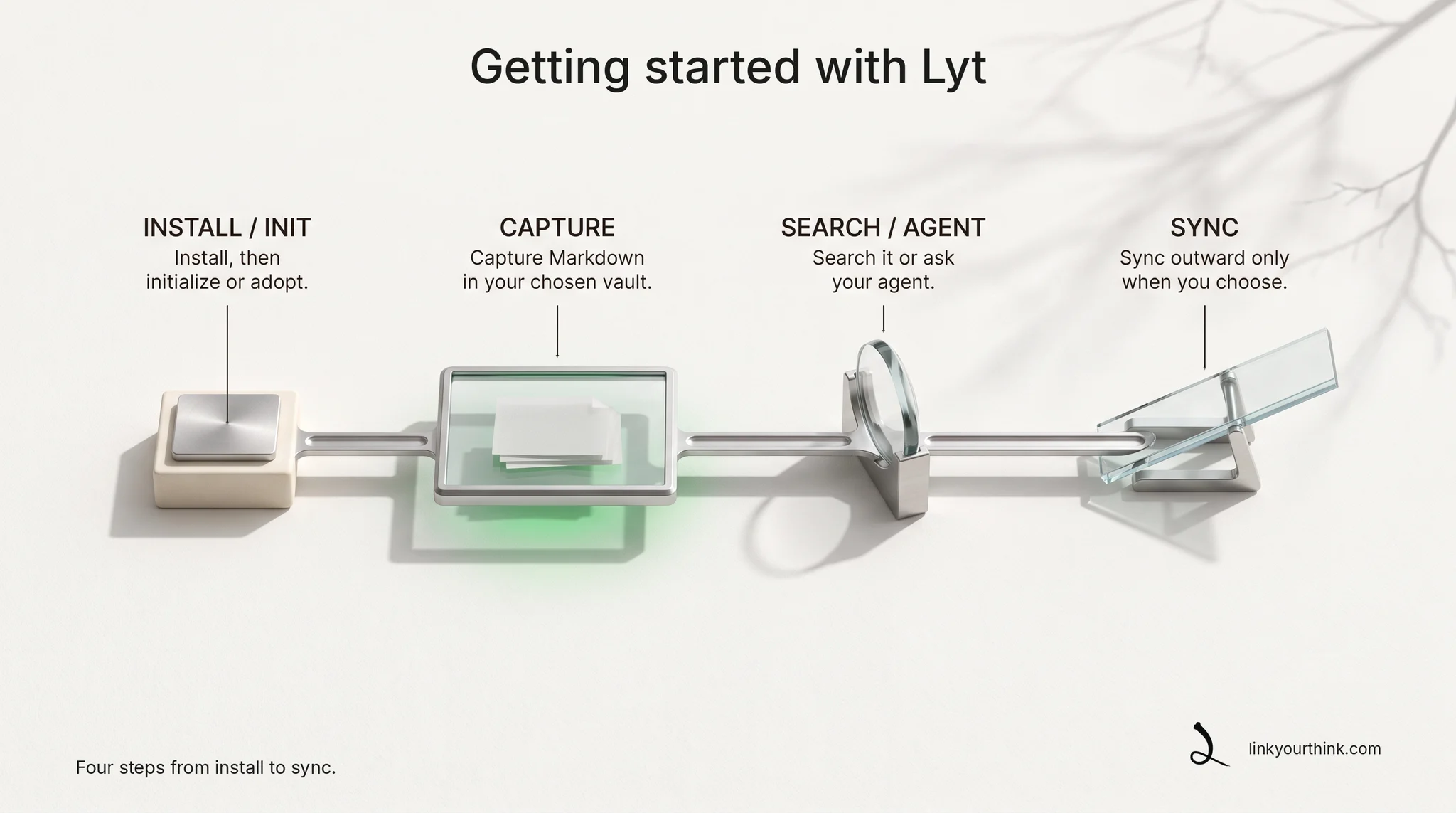
1. Initialize Lyt
One pasted request sets up Lyt on this machine — your agent does the rest.
Set up Lyt on this machine. Lyt is the npm package @younndai/lyt, already installed globally. Run: lyt init --auto --json Then tell me what it changed or created, and say so if it made no changes. Do not create, publish, push, or sync any Git repository — if Lyt says it needs remote access, stop and ask me first.
Your agent has not learned Lyt yet at this point, so this request names the tool and the command. Nothing is published. Sending a vault outward is a separate, explicit step.
lyt init --auto --jsonThat command is the path an agent uses, because it runs without asking questions at a terminal. Typing lyt init yourself opens the guided wizard instead. Either way this machine ends up with a pod and a first vault.
2. Create a named vault
A vault is a folder for one kind of notes. Naming it lets you point at it later.
Using Lyt, create a vault called notes in my personal mesh.
lyt vault init personal/notesA qualified mesh/vault address is unambiguous and remains a useful stored reference even as your pod grows.
3. Capture
Saving a thought takes one sentence to your agent.
Using Lyt, save this idea in my notes vault with topic "insight" and purpose "so I can find and develop it later": <paste your idea here>.
lyt capture "the idea I do not want to lose" --vault personal/notes --topic insight --purpose "so I can find and develop it later"Every note carries a purpose and a topic. Your agent supplies both on the command line, because a run with no terminal attached has no prompt to answer and Lyt refuses rather than guess. The result is a plain Markdown file with the required frontmatter.
4. Search
Later, you do not need to remember where you put it — just ask.
Using Lyt, search my pod for what I wrote about that idea.
lyt search ideaSearch works across your pod. If you later choose to download the local embedding model from an interactive terminal, Lyt also blends in matches by meaning; until then it works from keywords alone.
5. Prime an agent
A primer catches your agent up on what you have been working on — before you ask it anything.
Using Lyt, get up to speed on what I have been working on across my whole pod — use a primer, not a search.
lyt primer --scope federationA primer is query-less orientation: recent activity, active arcs, top keywords, and lanes. Search remains the tool for a specific question.
Next: connect an agent.