


How Lyt works
How it worksLyt makes your markdown operable by AI agents. Your agent searches your decisions, notes, and documentation — and works from what you actually know.
Your files, made operable
Everything here starts with ordinary folders of notes on your own computer — no new format, no import step.
Lyt (Link Your Think™) works on plain markdown files in Git. A vault is a folder of markdown. A mesh groups related vaults. Your pod is everything this machine can reach — and everything your agent can search. The files stay yours; Lyt adds identity, local indexes, and the interfaces agents operate through.
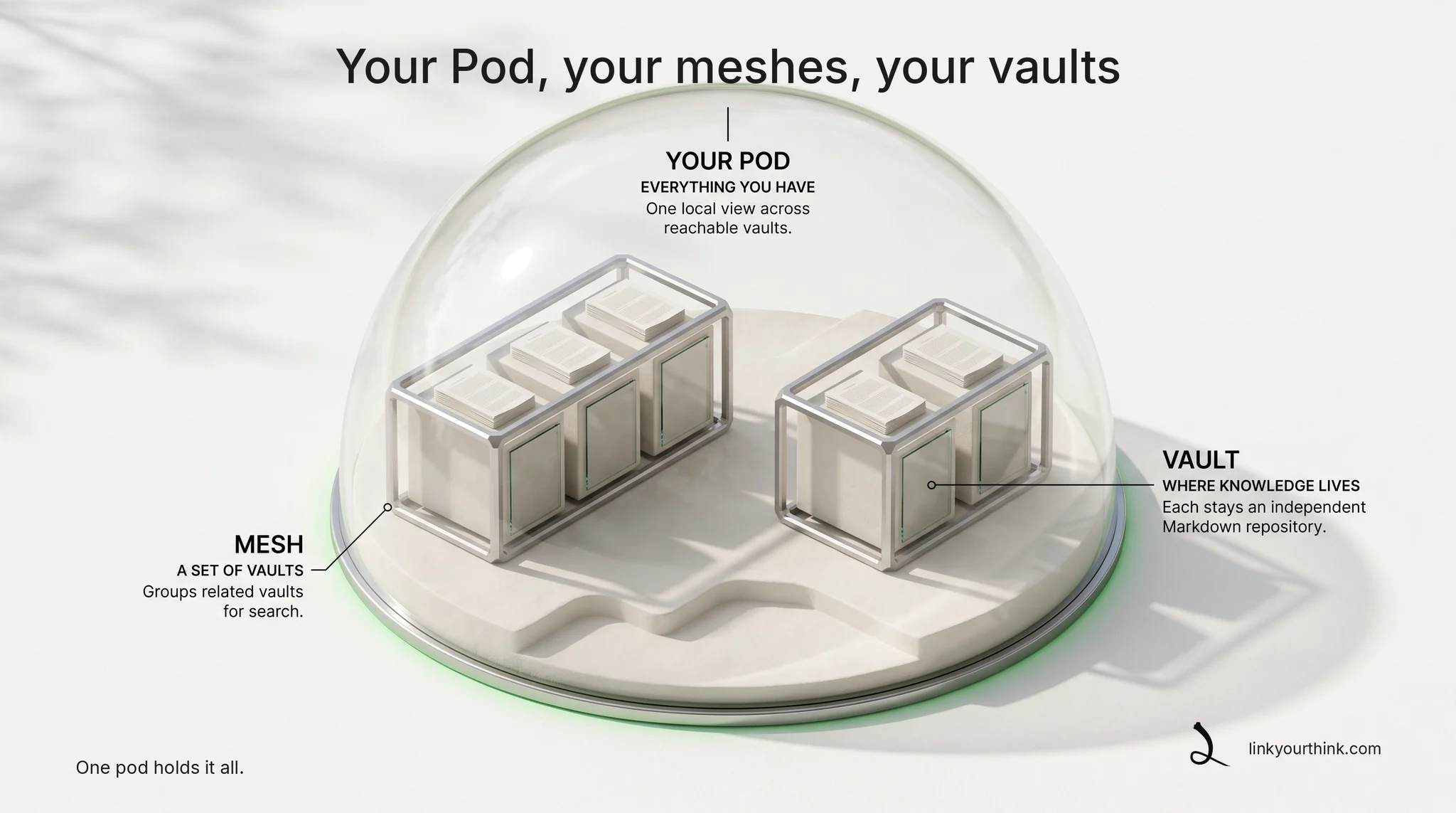
Two starting points. Ask your agent to start you empty (the agent-safe operation is lyt init --auto --json), or bring an existing markdown or Obsidian folder with lyt vault adopt — adopt is additive and never rewrites your notes. The concepts documentation covers the full model.
The daily loop
This is what you and your agent actually do with Lyt, day to day.
Four verbs carry the work: capture, search, prime, sync. You can run each one yourself — but the point of Lyt is that your agent runs them for you, through its installed manual and skills, using the CLI operations underneath; MCP is available to compatible clients.
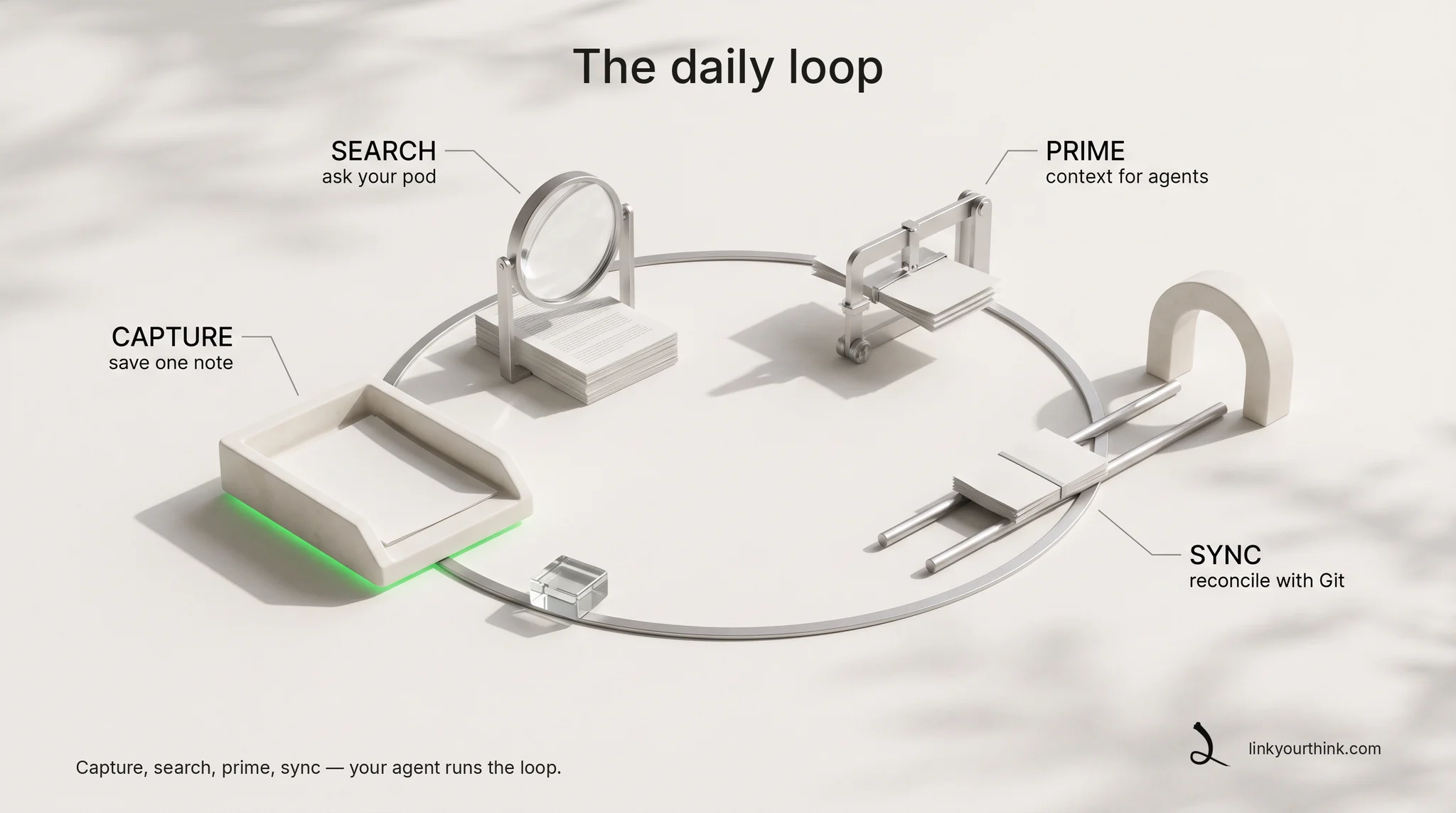
Capture. Tell your agent “save this decision” and it writes one durable note with a consistent frontmatter contract — a plain markdown file in your vault.
Needs: Lyt initialized.
Using Lyt, capture this decision into my personal/notes vault: "decided: UUIDv7 for all new tables". Use the topic "decision", and write a purpose that says why this note is worth keeping later — not a restatement of the title.
Capture writes one markdown file in your vault. It always records a topic and an author-supplied purpose, and names the vault when you have more than one. Assumes Lyt is installed and initialized on this machine.
lyt capture "decided: UUIDv7 for all new tables" --vault personal/notes --topic decision --purpose "settles the primary-key convention new schemas follow"Search. Ask “what did I decide about primary keys?” and the agent queries your pod's local indexes. Results carry a confidence score and name the vault they came from, so the agent knows what to trust.
Using Lyt, search my pod for what I decided about primary key conventions. Tell me which vault each result came from and how confident the match is.
lyt search "primary key convention"Prime. The agent assembles standing context — active topics, keywords, recent work — into one markdown file it can load at session or task start.
Using Lyt, build a primer across my whole pod — active topics, top keywords, and recent work — then tell me what you took from it before we start.
The primer is written as a markdown file inside the vault, so the agent can load it again at the start of a later session.
lyt primer --scope federationSync. Reconciling a vault with its Git remote stays an explicit act you invoke — and the receipt says exactly what moved.
Needs: Lyt initialized.
Using Lyt, sync my personal/notes vault — that vault only, not the whole pod. This one publishes and Lyt does not ask again, so tell me exactly what it pushed.
Sync publishes and does not ask again — scoping it to one vault is your control. Add --no-publish for a local-only pass first. Assumes Lyt is installed and initialized on this machine.
lyt sync --vault personal/notesFind what matters
Search and primer answer different needs. Search answers the question your agent has now. A primer is the standing context an agent starts from — no question required.
Search ranks what your pod already knows about a topic ahead of raw text matches, then blends in full-text results and connected vaults. A small local model adds matches by meaning once you choose to download it. The search documentation describes the mechanism.
Where your knowledge lives
The short version: your notes stay on your machine until you choose to send them somewhere.
Your working copies and derived indexes are local. Direct Lyt searches run locally. When you invoke sync, Lyt exchanges eligible vault changes with configured Git remotes. A connected agent or model may have its own network boundary.

Lyt sends no passive usage stream. Network activity follows an operation you choose.
An agent operates the pod
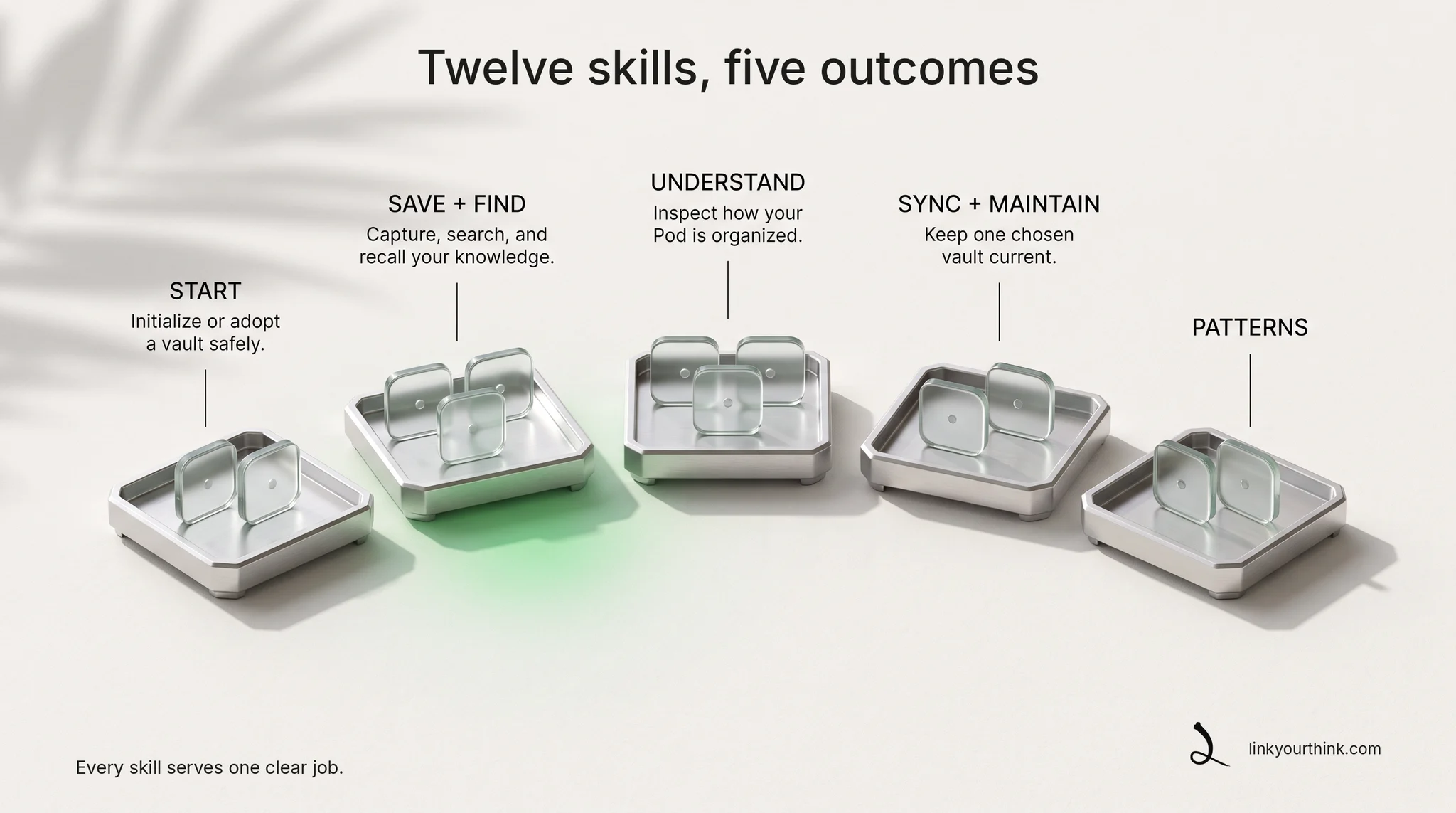
Lyt is designed to be operated by an AI agent. A successful install and reconcile places a compact operating manual in your agent's own instructions and provides 12 skills for the common workflows — so the agent knows how to capture, search, prime, sync, share, and repair through the CLI, with your confirmation at every gate that matters. Sharing, publishing, deleting, cloning: you ask; the agent drives; the gates stay yours.
Some agent apps prefer a direct plug-in connection instead of running commands. Lyt offers that too.
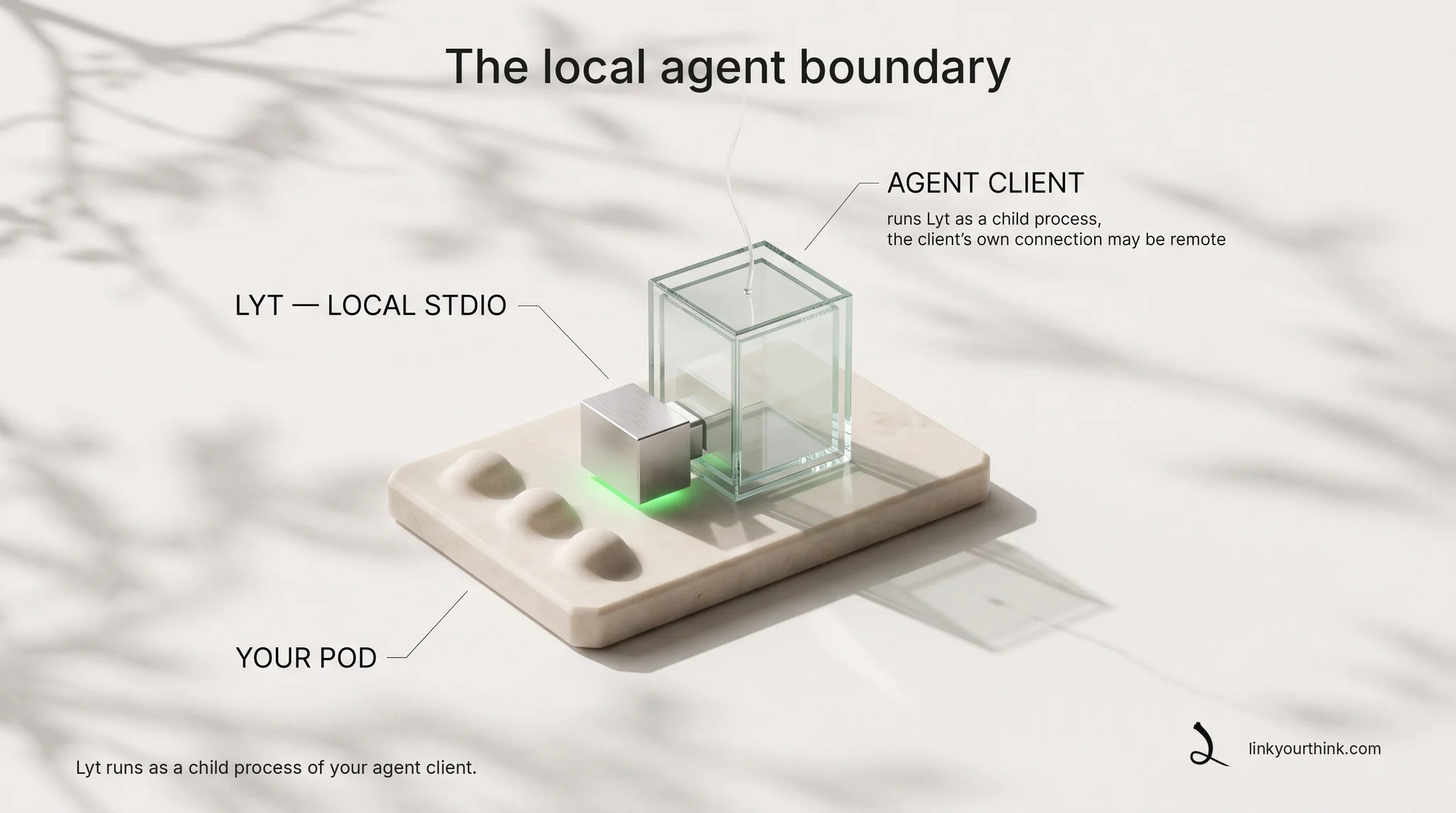
For MCP-native clients, Lyt also runs as a local stdio MCP server — a child process with 17 typed tools, no port to expose, and no hosted relay from Lyt. The client and its model provider may be remote; that boundary belongs to the client you chose.
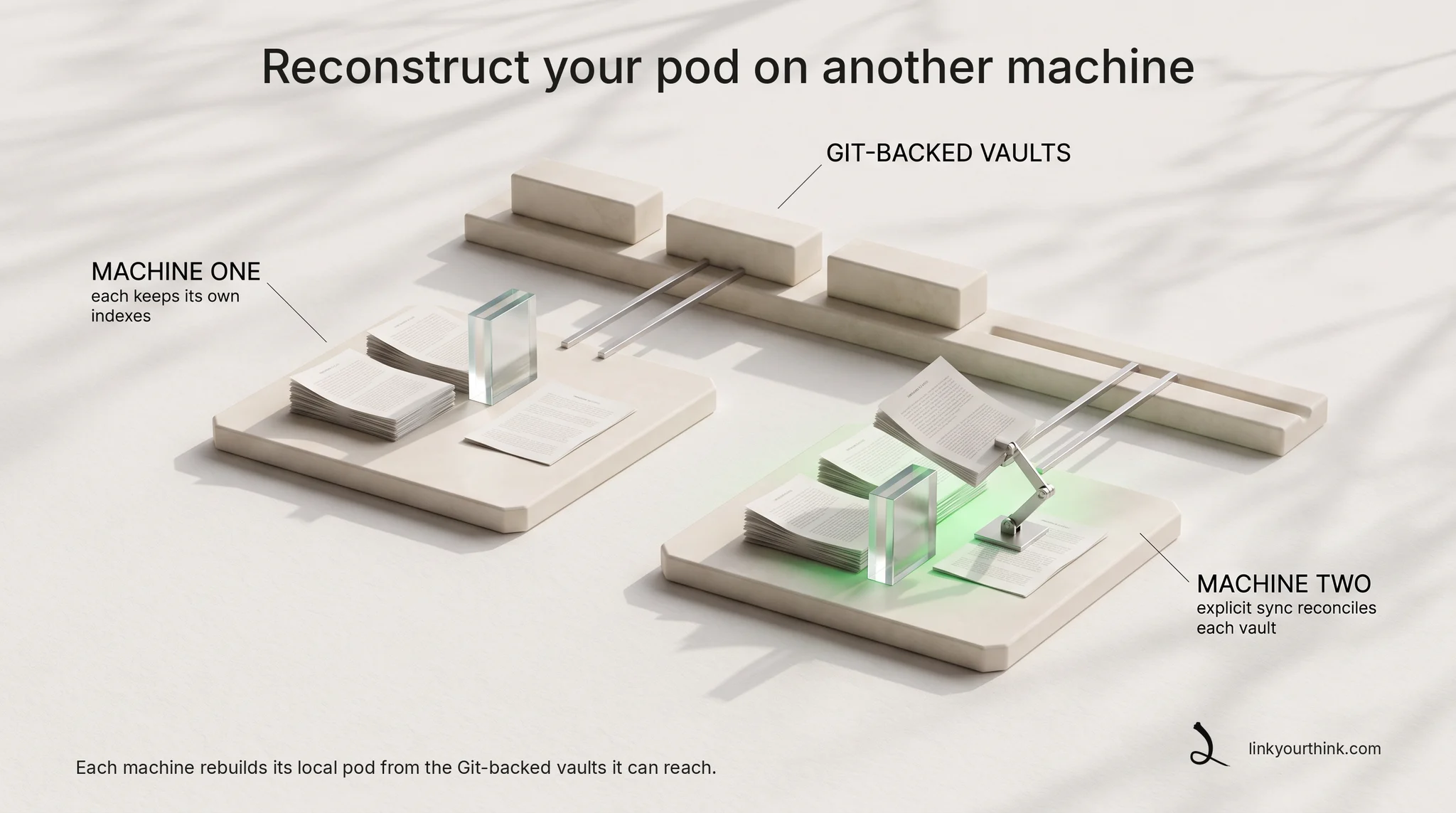
Reconstruct your pod on another machine
A new laptop does not mean starting over — your knowledge follows you.
On another machine, Lyt reconstructs a local pod from the Git-backed vaults that machine can reach. Each machine keeps its own registry and indexes; explicit vault sync reconciles configured Git remotes, without a Lyt-hosted hub. Your agent on that machine operates the same knowledge.
Go deeper
The loop is small on purpose. Your agent captures, searches, and primes — and the knowledge stays where you put it.