


Keep one team knowledge base in Git
Use casesThe team's knowledge is real. It is just spread across files, chats, and inboxes, with no version of it that anyone agrees is current.
The situation
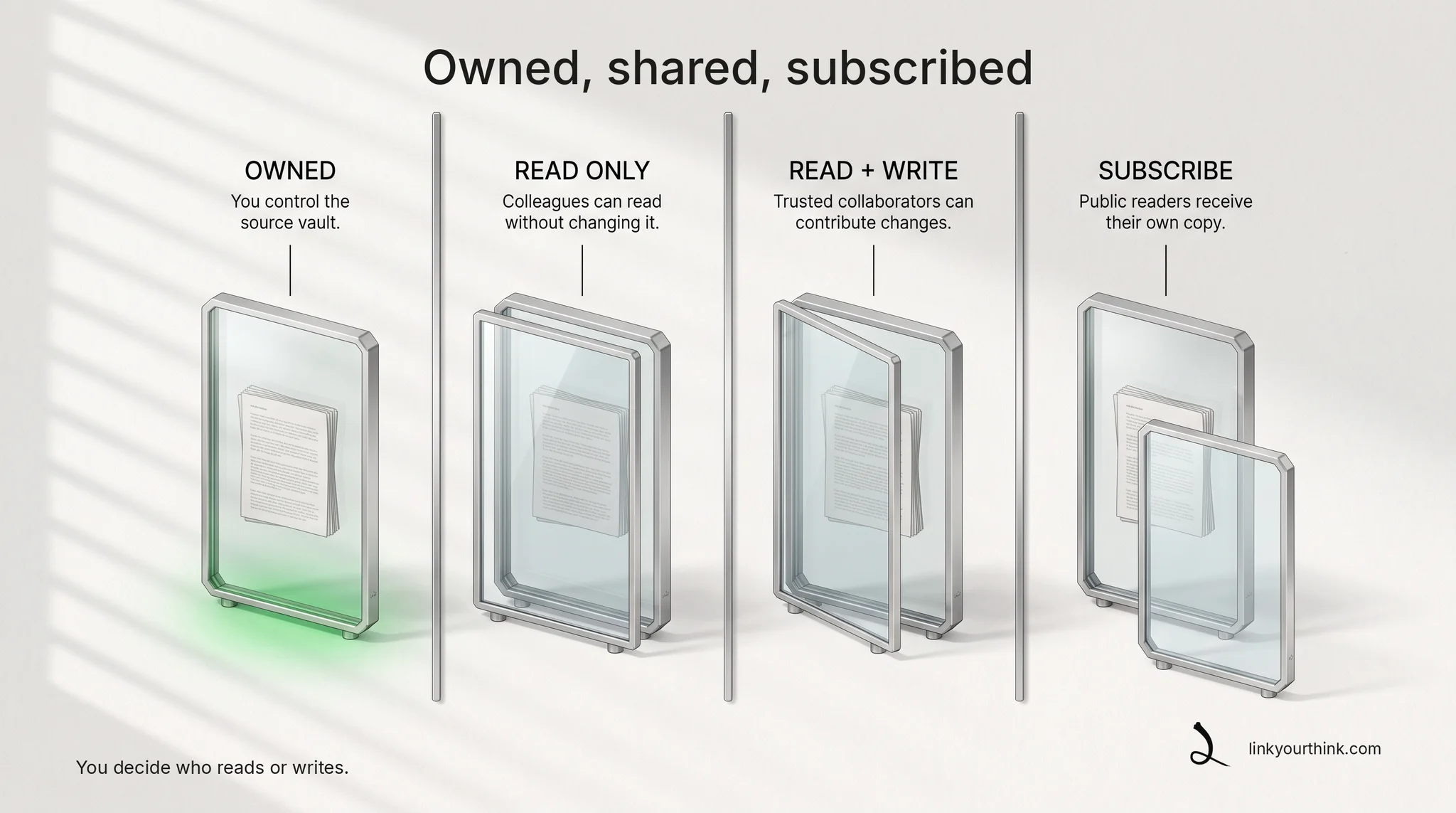
A small team fragments knowledge across files, chats, and inboxes. With Lyt, the team keeps shared vaults in Git — the same review and history model as code. Sharing is per-vault GitHub access: an owned vault stays private until you grant access, and direct read or write grants are explicit and per-vault.
How you do it
Granting access changes a real GitHub repository, so it is worth asking the agent to show you the exact change first and let Lyt's own gate hold it there until you confirm.
Needs: Lyt initialized.
Using Lyt, prepare to give GitHub user octocat read access to my team/handbook vault. octocat is a GitHub username, and the vault is a GitHub repository, so this grants that GitHub account access to it. Show me the exact repository and permission change, then wait for Lyt’s confirmation gate before applying it. Do not use GitHub tooling directly — go through Lyt so the gate applies.
Nothing is granted until you confirm it: the command refuses to act unless --yes is added, and that flag is the confirmation. Assumes Lyt is installed and initialized on this machine.
lyt vault share team/handbook --with octocat --access readWhat changes
The grant itself changes one thing: that GitHub account can now reach the vault's repository. Each teammate then receives the vault on their own machine — a local copy, indexed locally and refreshed on sync — and from that point their own agent searches the same material. The full access model — grants, invitations, inspection, and revocation — is in sharing and access, and the next step is usually getting a new colleague onto that material.